From a notebook or another app to Jetsy, in about 10 minutes.
Five steps. You can do all of them from your phone, tonight, between dinner and bed. You keep your number, your customers and your prices.
- 2minStep 1
Start the free week
Tap Try free. Your name, your business name, your trade, a password. No card. Pick your trade and the words, the services and your first quote already fit it.
- 3minStep 2
Bring your customers in
From a notebook: type the ones you call most; the rest can come as they call. From your phone: Customers → bring in your phone contacts, a few taps. From another app or a spreadsheet: download your customer list as a CSV file, then Customers → Import customers. You match the columns, add a tag like “2025 customers,” and there is an Undo if it came in wrong.
- 2minStep 3
Set what callers ask
Setup → What callers ask. Your hours, your service area, what you charge for, whether a look is free. Jetsy answers from your answers. Anything you leave blank, it takes a message instead of guessing.
- 2minStep 4
Forward your phone line
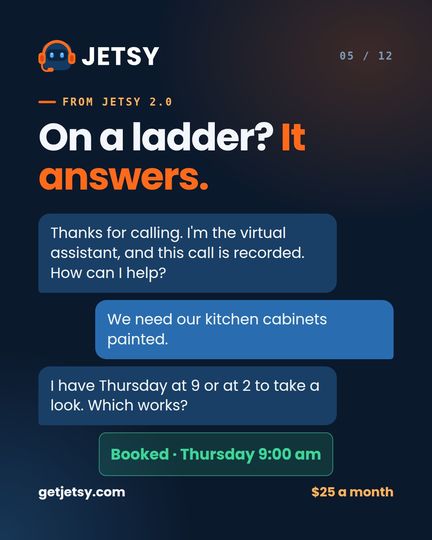
On Jetsy 2.0 and up. Keep the number your customers already have. In Setup, Jetsy shows your Jetsy number; at your phone company turn on “forward when busy or unanswered” to it. Your phone still rings first. Jetsy picks up what you cannot.
- 1minStep 5
Send your first quote
Open a customer, tap Quote. The lines are already there for your trade; put your prices in once and the price book keeps them. Send. They sign on their phone. You just switched.
Nothing about your business has to change.
- Your phone numberYou keep it. You forward it. Customers never learn a new one.
- Your customersThey come in from a file, your phone or by hand, with their history where you had it.
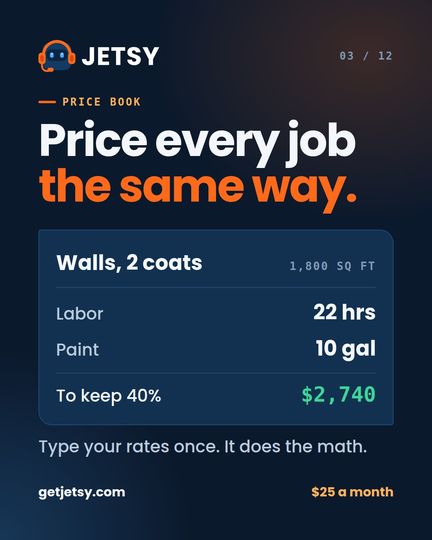
- Your pricesYou type them once into the price book. Every quote after that uses them.
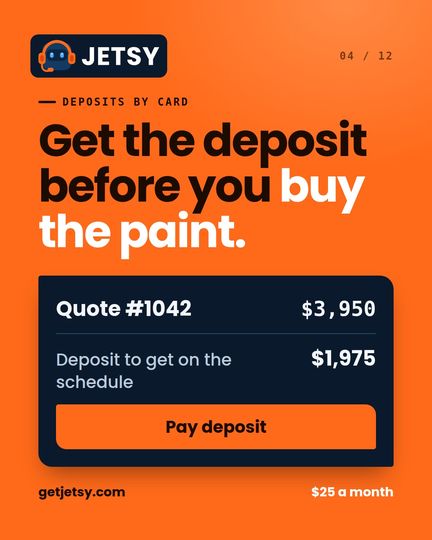
- Your way of workingRepeat routes, deposits, three prices on a quote, crew pay — set up the way you already do it.
- Your way outNo contract. If you leave, download everything on your board first.
What changes on Monday.
What people ask before they switch.
Do I lose anything from my old app?
Your customers come over in a CSV file, with the columns you choose. Old quotes and invoices stay in your old app; keep your login there for a while if you need to look something up.
Can I keep answering my own phone?
Yes. On Jetsy 1.0 you do. On the plans with the receptionist, your phone rings first and Jetsy takes what you miss. The receptionist is optional.
What if my crew does not like new apps?
The crew app is three buttons: On the way, On site, Done. You text them an invite, they set a 6-digit PIN, and that is it.
Does it work in Spanish?
All of it. The app, the receptionist, the quotes and the invoices. One tap to switch, no upcharge.
I am stuck. Who do I call?
480-710-9816. Jetsy answers and takes a message for Joe, or book a call with him on the Help page.
Jetsy was built by a painting contractor for his own company. Pick a time that works and he will call the number you leave.
Calls 6am to 6pm Arizona time. Texts any time.
Ten minutes tonight. A different Monday.
Free for 7 days, no card. Nothing is deleted when the week ends.
No card for the free week. No contract. Cancel any time. Code CRM27 takes 27% off every month you stay.